Invite a delegate to access my GoDaddy account
You can invite a delegate (like your web designer or developer) to access the GoDaddy products in your account. Delegates can open and use your products, but they can't view or change account information like your payment methods and passwords.
Note: Before you invite someone to access your account, check out this article that explains what delegates can (and can't) do for you when they have access.
Watch a video about inviting a delegate to access your account.
- Go to your GoDaddy Delegate Access page. You might be prompted to sign in.
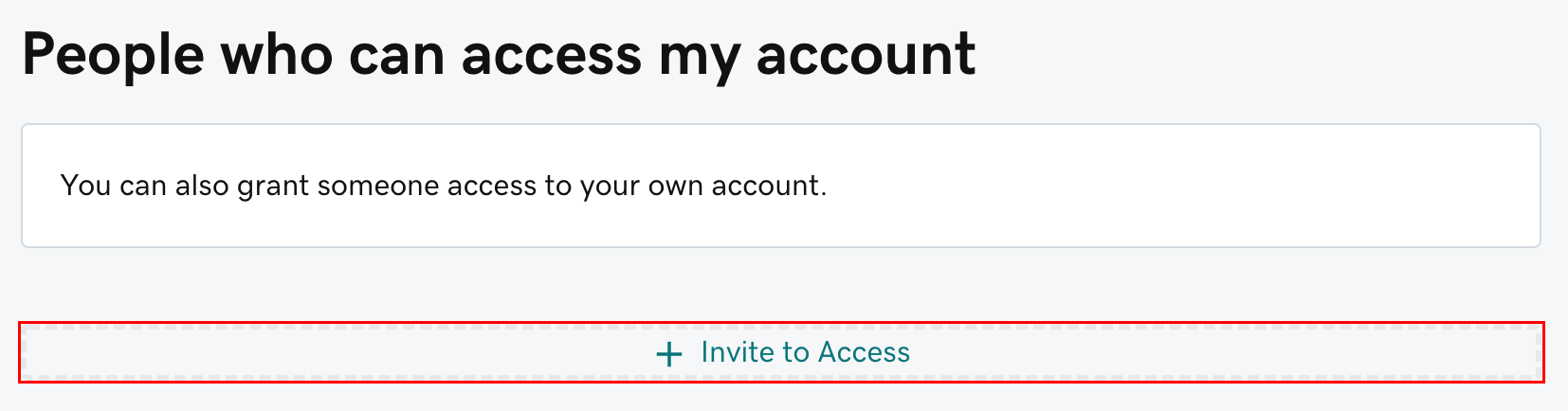
- In the People who can access my account section, select Invite to Access.
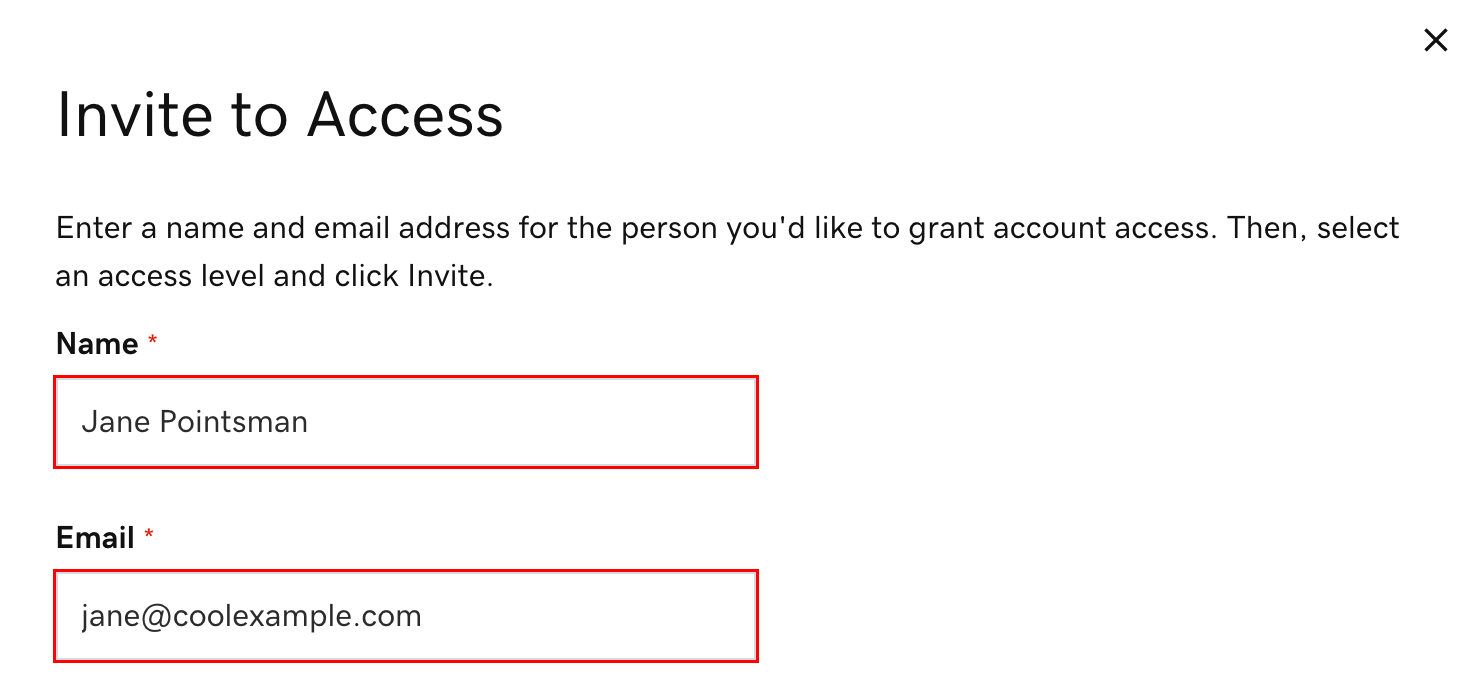
- Enter the Name and Email address for the person you're inviting.
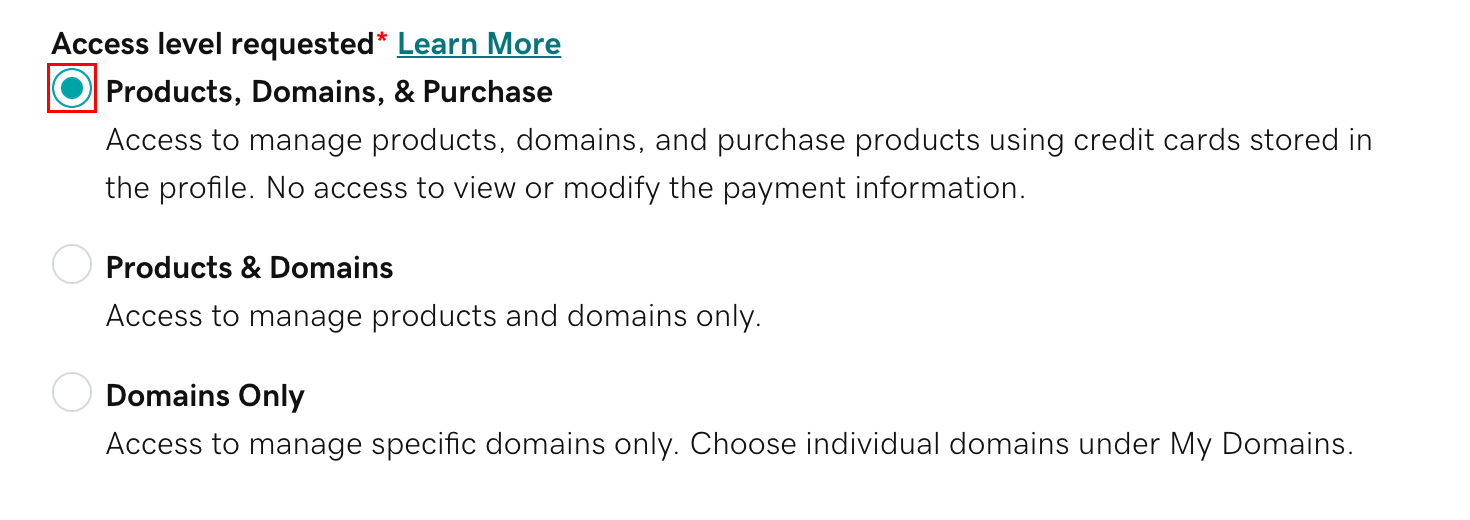
- Select one of the access levels. If you're not sure what this means, read our explanation of access levels.
- Select Invite. We'll send the person an email invitation to access your account. Once the person accepts, we'll let you know.

Related steps
- Looking to assign delegate access for your domains? Change your domain delegate folder permissions.
- Pending invitations can be canceled by either you or an existing delegate and will expire if not accepted within 48-72 hours. If you want to cancel a pending request, select Cancel.
- Change a delegate's access level or remove a delegate from your account at any time.
- Here's how to request access to someone else's account.
More info
- Learn more about delegate access.
- Delegates must have a GoDaddy account to accept your invitation. We'll ask them to create an account if they don't have one.

